Infrastructure Site Planning
Turn a project objective into a practical site visit brief: identify the infrastructure, review relevant location data, and record what the team needs to verify.
Example workflow · Wilmington, NCOne location. One clear handoff.
Use public records to identify a site, then capture the purpose and open questions for a visit. This example combines geospatial context with workflow design.
- Find a structure
- Review its record
- Prepare your visit brief
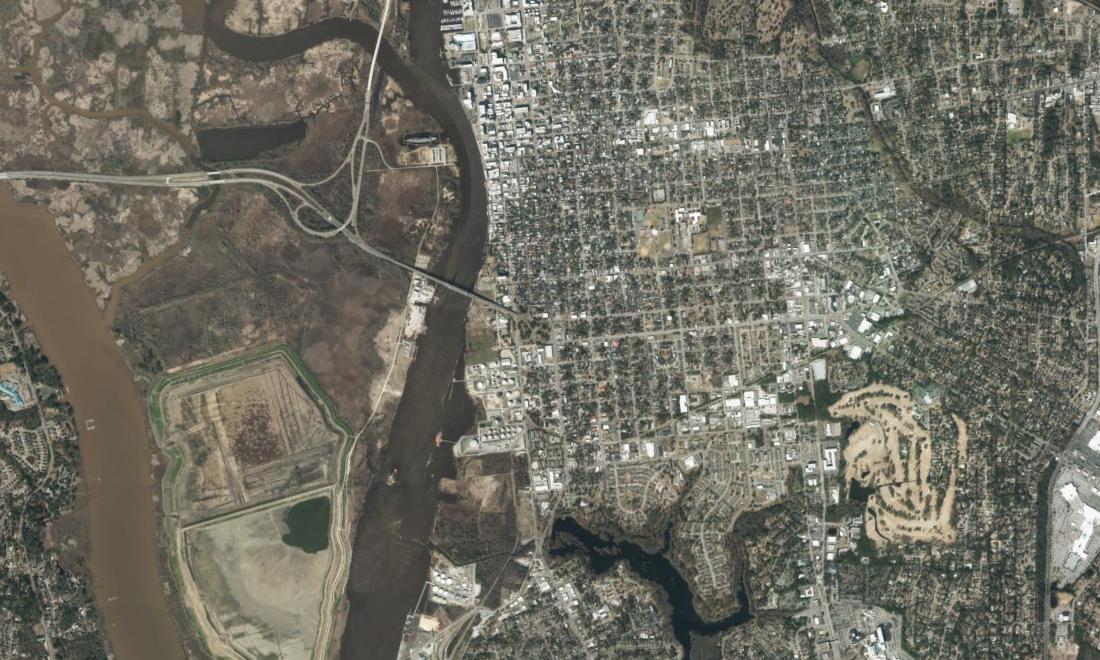
Cape Fear River corridor
Locations: NCDOT GIS Unit · Imagery: NC OneMap / NC CGIA
Downloaded October 14, 2026. Record and imagery dates may differ.
Put a place to the record.
Search by road, crossing, or structure number. Select a result to see its published location and context.
No matching structures. Try another search or type.
Your site visit brief
A starting point for team coordination. Confirm access, permissions, and site requirements separately.
Select a structure above to start.
Less searching.
A better handoff.
The practical outcome: a shared starting point for a field visit.
A coordinator can identify the right structure, record why the team is going, and list the information still needed. The brief carries the asset reference and location forward so the next person can pick up the work.
Independent public-data demonstration. No inspection, condition rating, safety assessment, or client delivery is claimed. Structure points are inventory locations, not surveyed bridge footprints.
Discuss an infrastructure workflow →